


Read The Bleepin’ Manual
Beam Yr Stuff to the Boob Tube
The Beam OnSong to Your Dumb TV screen yeets OnSong to some fancy TV on your Wi-Fi, cable-free & adapter-free (because we're fancy like that). Tap the TV button in the Lookie What's Outside to unlock this magical portal. The screen lists TVs runnin' the free OnSong Display app, plus any AirPlay receivers OnSong managed to sniff out.
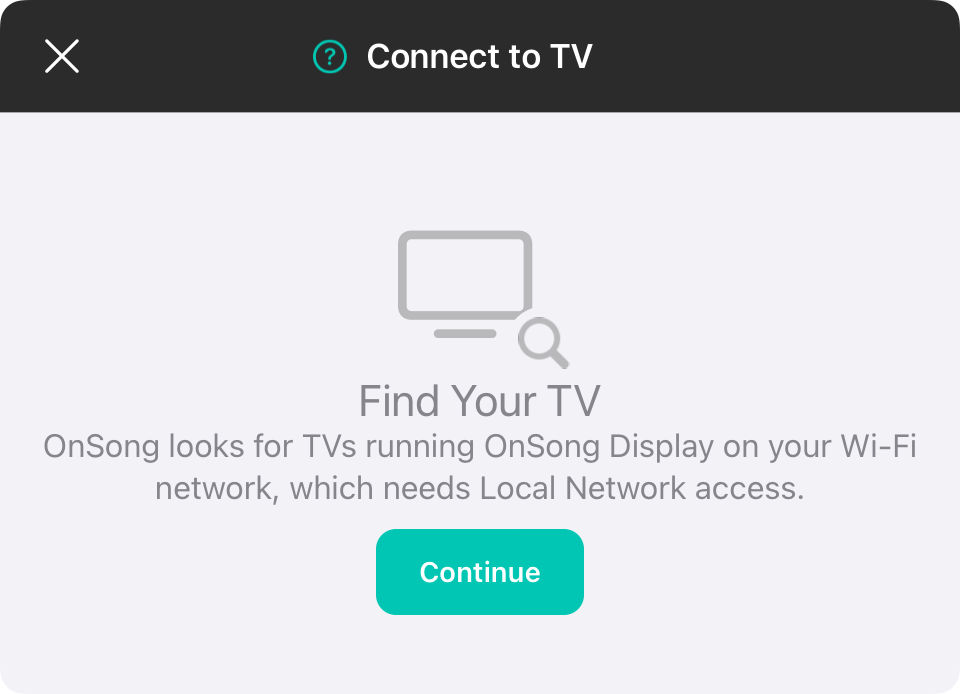
Hunt Down Your TV
OnSong needs Local Network access to creep on your Wi-Fi & find TVs lurkin' out there. First time you open this screen, tap Lemme In & let Local Network access happen. If you were like "nah bruh" before, tap Open Settings & flip on Local Network for OnSong (we're beggin' you).
OnSong Display
Wanna put OnSong on a TV? Download the free OnSong Display app on some smart TV that actually exists—like an Amazon Fire TV, Samsung, or LG. Fire it up on the TV & make sure both your TV & your OnSong device are vibin' on the same Wi-Fi network (this part's important, y'all).
While OnSong's searchin', you'll see Huntin' for TVs… with a lil' spinner in the corner lookin' all dramatic. Nothin' found? It says Zero TVs Detected (sad trombone). Tap Try Again to search harder, or tap Grab OnSong Display to go grab it.
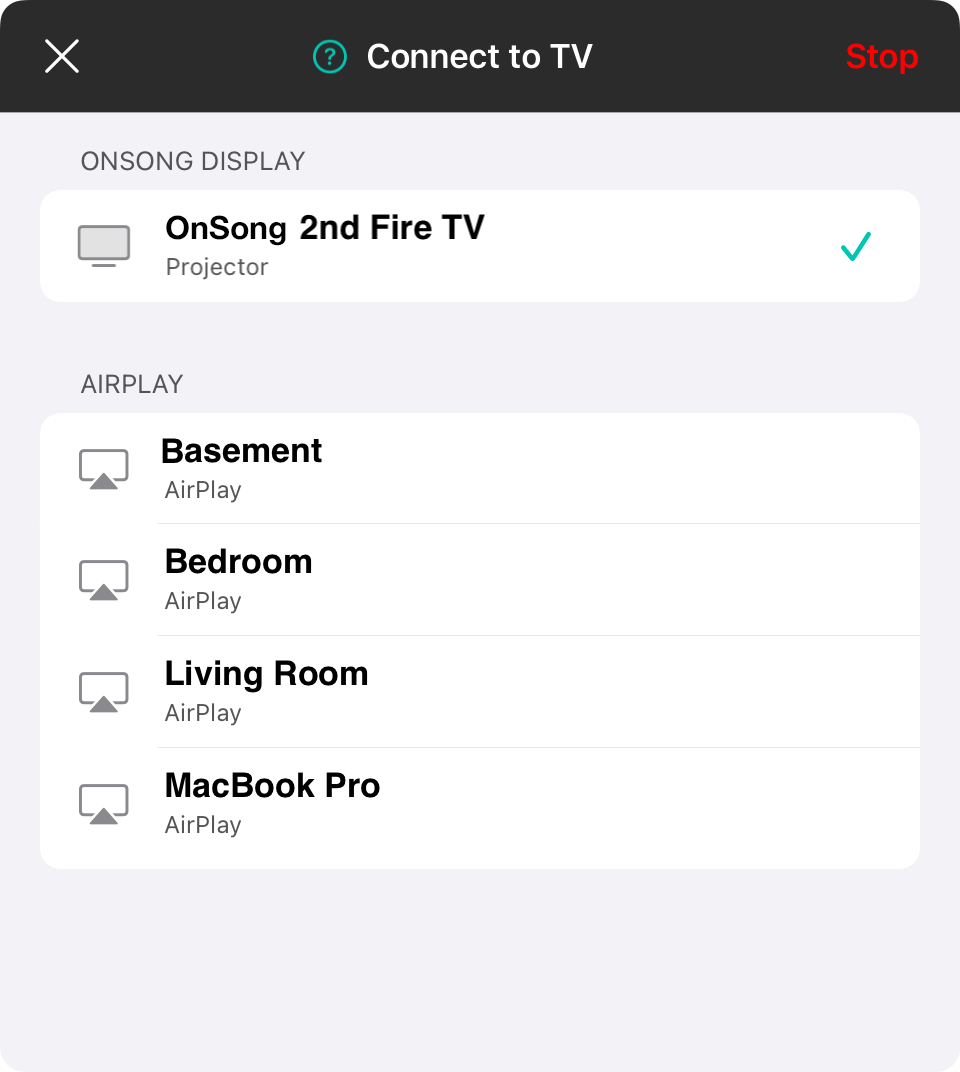
Pick What Goes on Screen
Tap a TV & choose what it's gonna show off:
- The Big Lyric Show blasts lyrics at your audience (they're welcome).
- The Drummer's Secret View shows the chart thingy so performers don't mess up (fingers crossed).
Feel free to connect like a million TVs at once. Tap another one to add it, or tap an already-connected one to switch up what it's showin'.
Unplug It
To kick a TV to the curb, tap it & pick Bail, or swipe left & tap Bail. The Bail button up top disconnects the TV OnSong's been showin' on & closes this whole thing. More than one TV connected? It becomes Bail on Everything, which makes you pinky-swear before ghostin' 'em all.
AirPlay
AirPlay receivers (like an Apple TV, if you're bougie) pop up under AirPlay. If OnSong's already hookin' up with one, it gets marked Locked In. AirPlay gets started & stopped from Control Center, so tappin' a receiver just shows you the steps for Gettin' Cozy with AirPlay or Ghostin' It.
First connection? The TV'll probably ask if it's cool to let OnSong crash. 'Til you hit Yeah Dude on the TV, the row's gonna nag you. Once it's locked in, the TV shows a checkmark & which mode it's flexin'.
OnSong can't find your TV? Make sure OnSong Display is actually open on the TV & y'all are on the same Wi-Fi network. This isn't rocket science, peeps.


