


Read The Bleepin’ Manual
Doodles & Chicken Scratch
Sometimes chords & lyrics just ain't gonna cut it, ya know? That's where the annotations menu swoops in like your mom with a highlighter. Tap the fancy doodle icon in the menubar to unlock the annotations tab. Annotations are basically lil' notes or doodles you can slap right onto your chord chart. OnSong's got a whole arsenal of annotation shenanigans for ya:
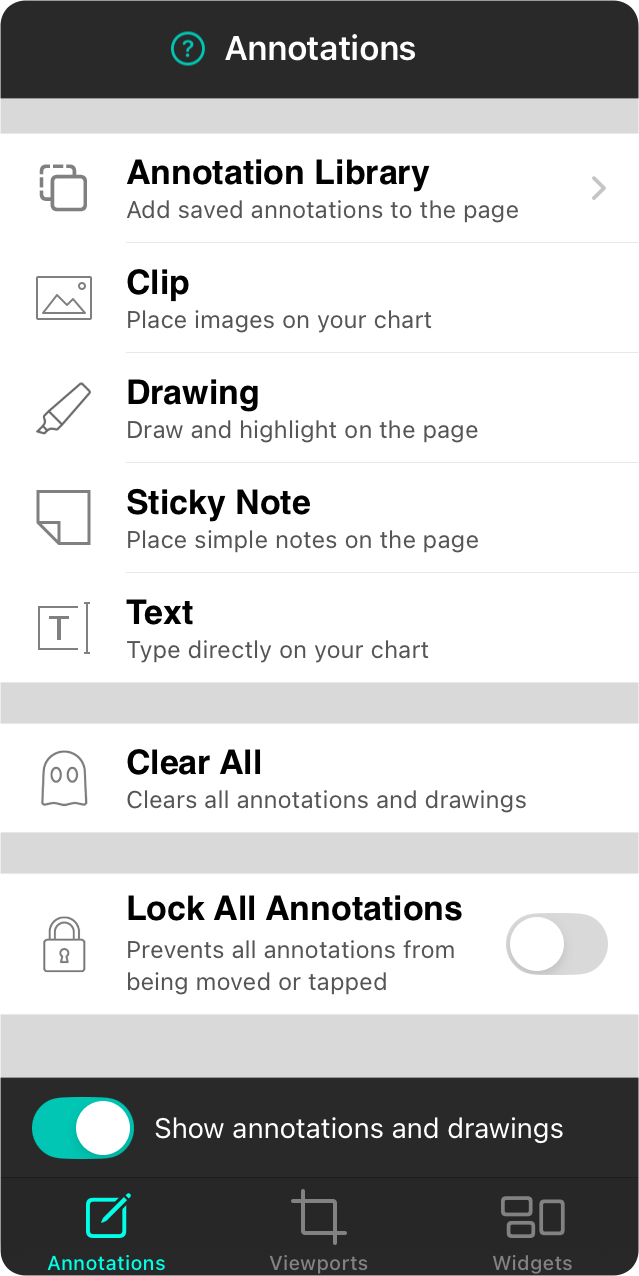
Annotation Library
Right-click on your annotations & dump 'em into your personal annotations library. It's like a scrapbook, but for nerds. Then yank those saved doodles & plop 'em onto other songs. Totes efficient.
Clip
Clips = your ticket to importing pics or makin' graphics. Crop 'em, size 'em, & stick 'em on your chord charts & sheet music like stickers. ZOMG, so fancy.
Drawing
Wanna doodle on the page like you're in study hall? The drawing annotation's got your back. Pen, highlighter, whatever floats your boat.
Sticky Note
Colored square sticky notes. On your page. Groundbreaking stuff, I know. chef's kiss
Text
Break free from sticky note prison & just type wherever you want on the page. Revolutionary.
Clear All
Tap this if you wanna nuke all your annotations from orbit. It's gone forever, so OnSong's gonna ask you real politely if you're sure about that. Spoiler: you usually aren't.
Lock All Annotations
Flip this on & your annotations become untouchable—literally. They won't budge no matter how hard you try to yank 'em around.
Edit All Annotations
This switch only shows up when your annotations are hidin' or packin' some kind of action. Turn it on to make those sneaky lil' buggers visible & edible—er, editable.
Show Annotations & Drawings
This toolbar switch lets you hide annotations & drawings without killin' 'em. (They're just napping.) Add something while it's off & boom—it flips back on so you can see your masterpiece.


