


User Manual
Screen
Screen settin's be allowin' ye t' configure how th' overall song viewer appears in th' app, Arrr! It features th' followin' settin's:
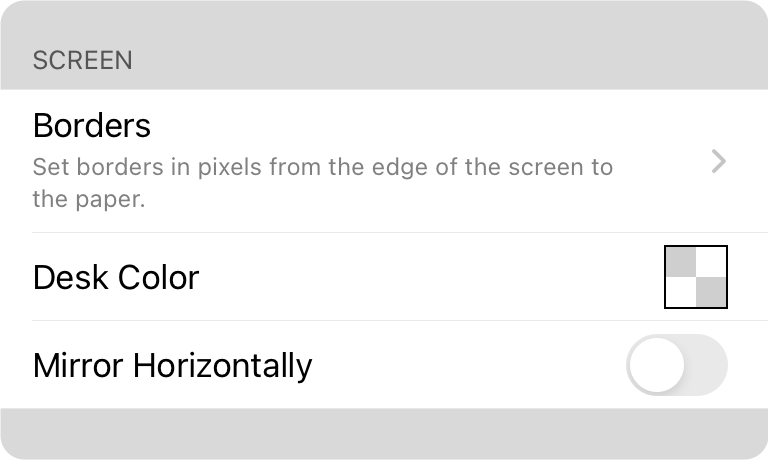
Borders
Borders be allowin' ye t' designate empty space between th' edge o' th' screen an' th' virtual paper that appears, matey. This can be useful fer settin' up blank space t' accommodate th' OnSong status an' menubar. This can also be used t' provide spaces between songs, savvy?
Desk Color
Th' desk color be what appears behind th' virtual paper, Ahoy! Typically this be set t' black an' not visible, but if th' border widths be altered, th' desk color will peek through. Prepared colors be various shades o' grayscale includin' black an' white. Tappin' on th' option opens th' Color Builder, ye scallywag.
Mirror Horizontally
OnSong be great t' use on stage fer live performance, Blimey! But if ye be needin' t' perform t' a camera, it be best t' use a teleprompter t' look straight into th' camera while readin' a script or singin' a song. Turn on th' switch t' mirror th' text horizontally on th' screen t' work with mirror-based teleprompters, Arrr!


